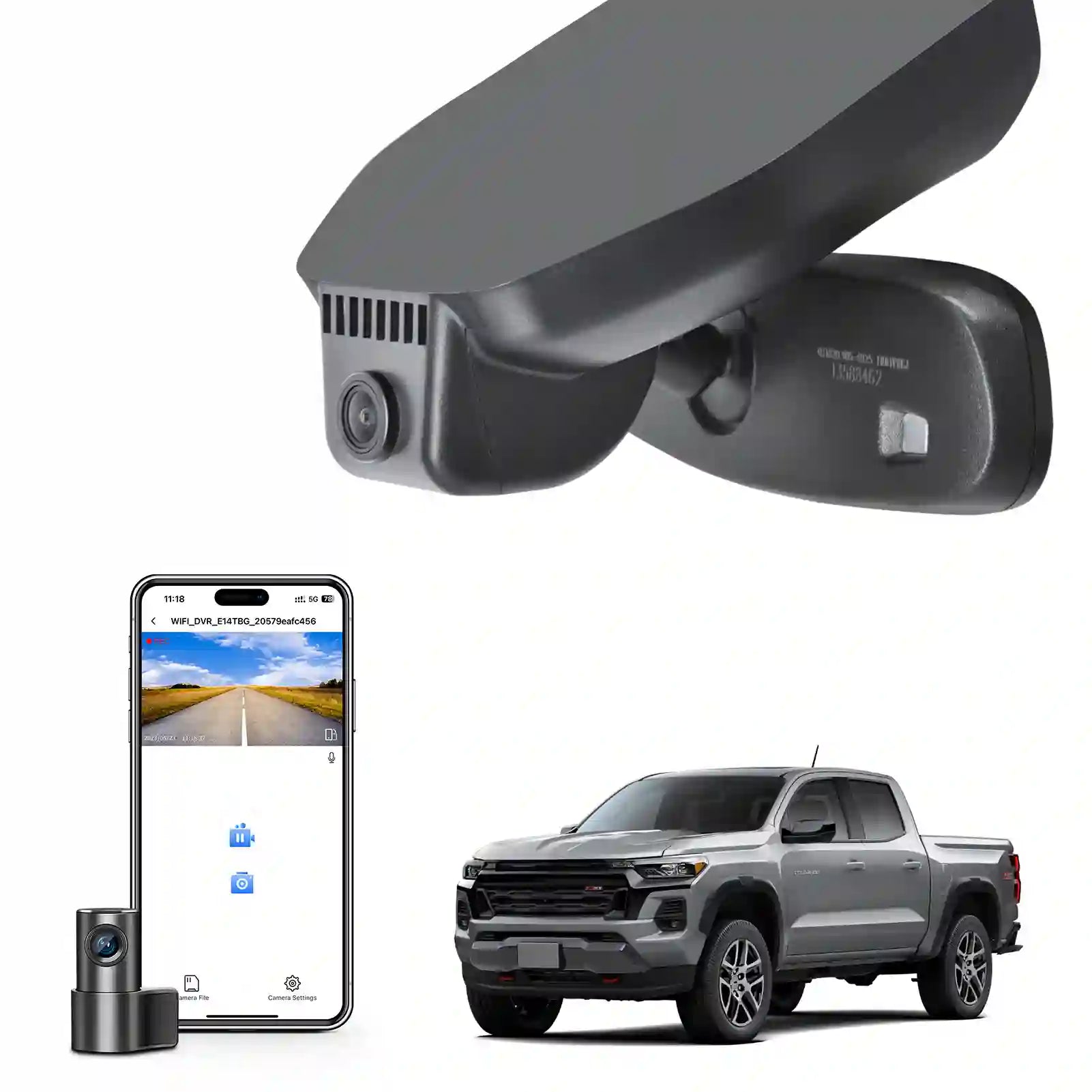
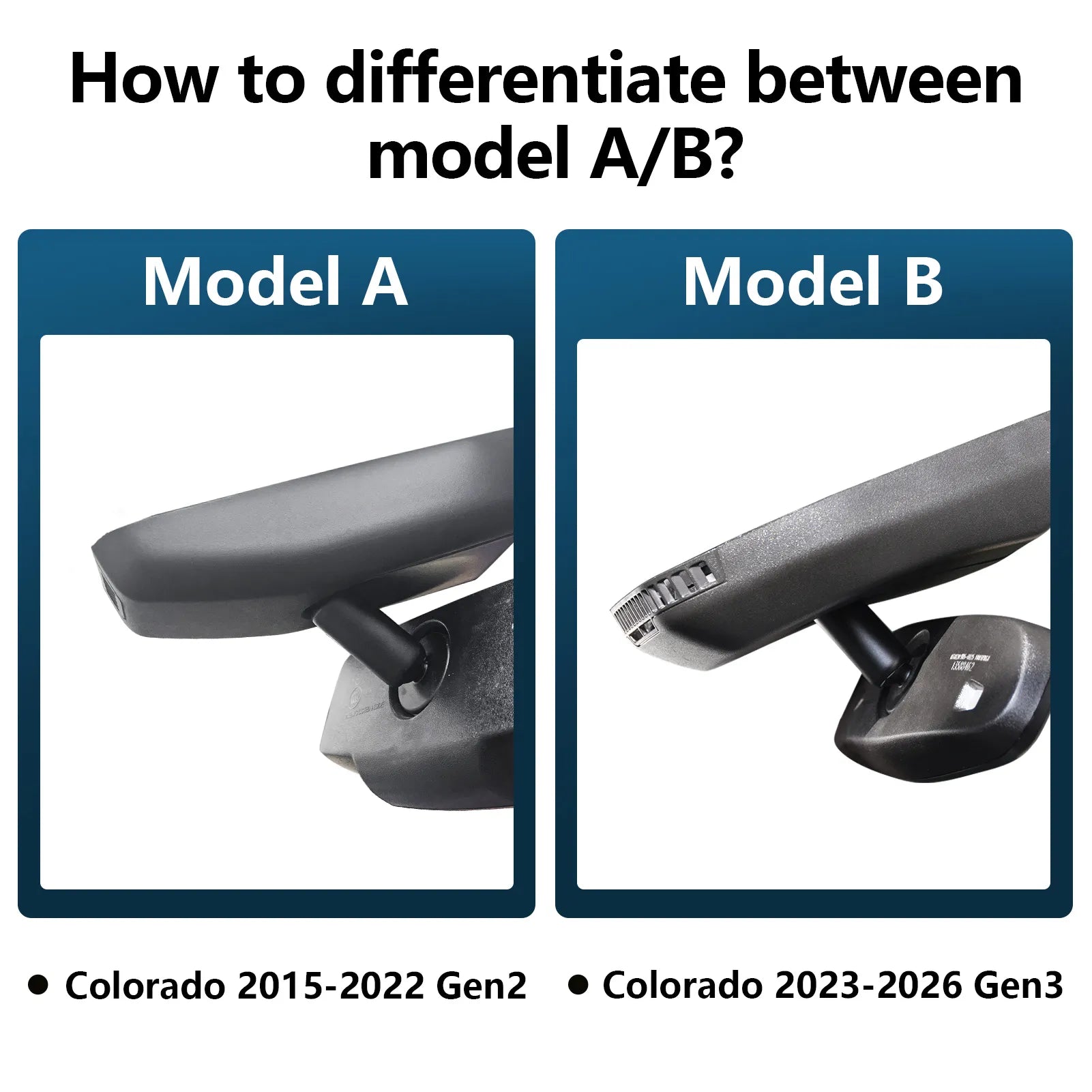

Front 4K & Rear 1080p Dash Cam Custom fit for Chevy Colorado 2023 2024 2025 2026 WD LT Z71 ZR2 Work Truck Trail Boss(Model B), Integrated OEM Look, UHD 2160P Video, Free App & WiFi, 128GB Card
Model B: 4K & Rear 1080pdash cam
Description
Please Note
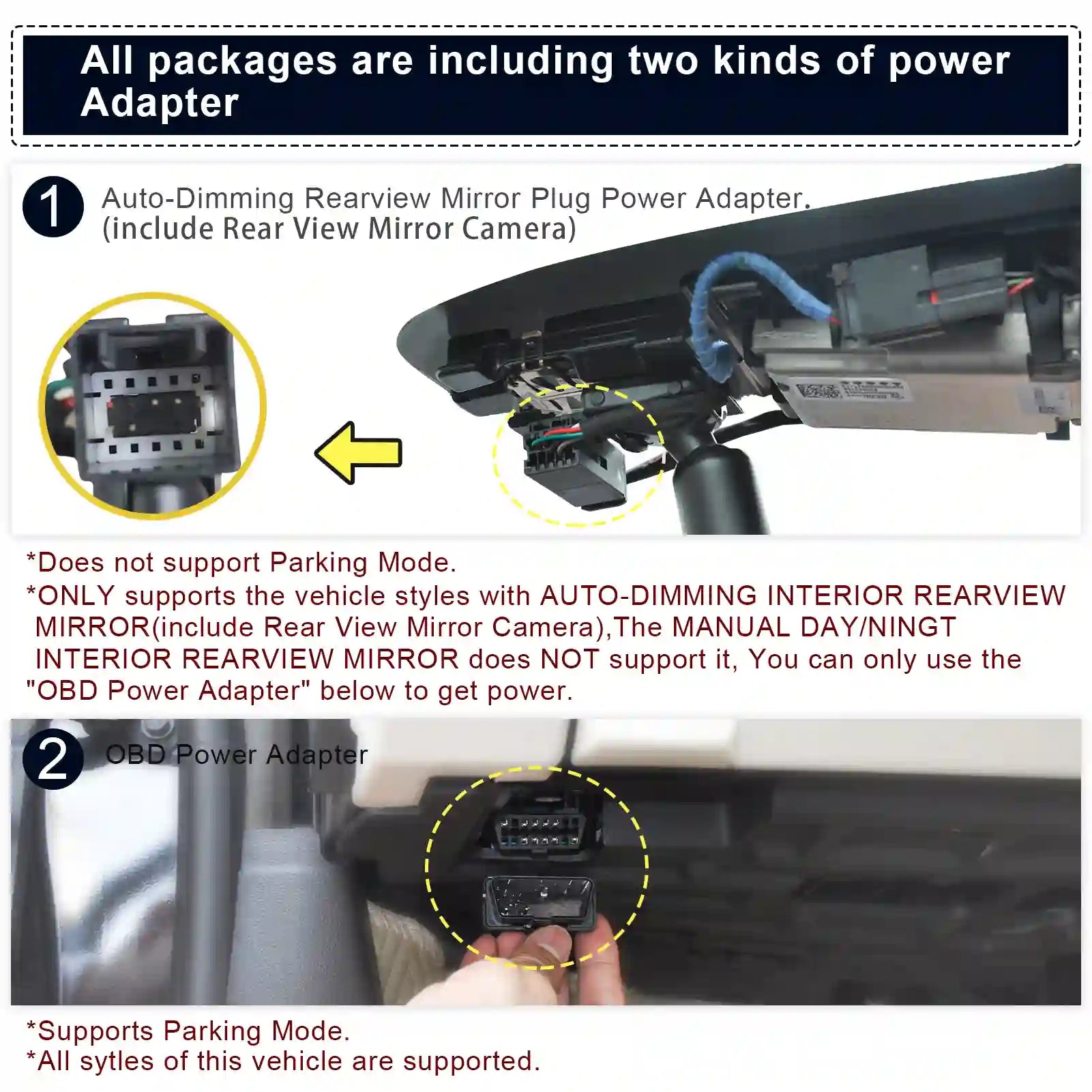
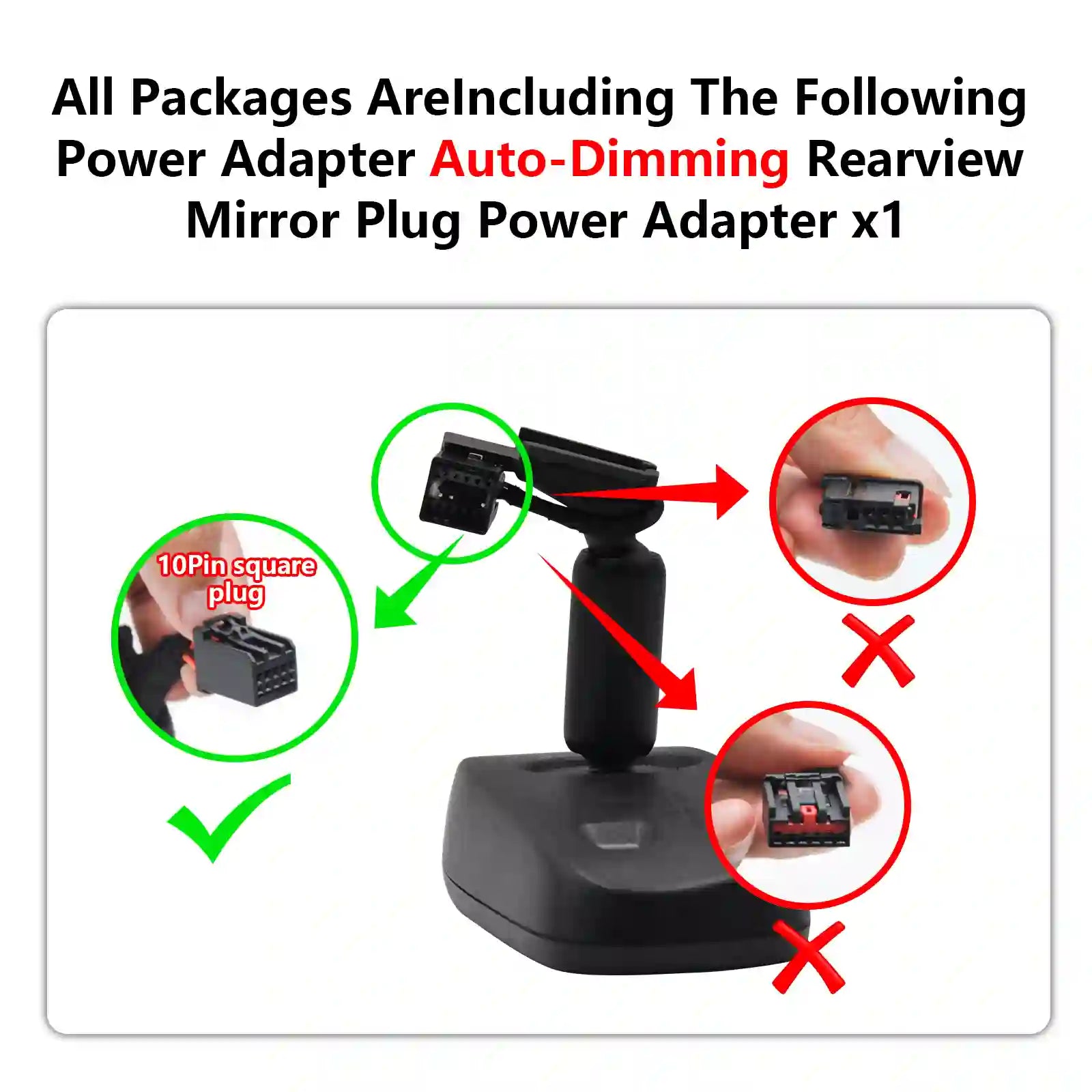
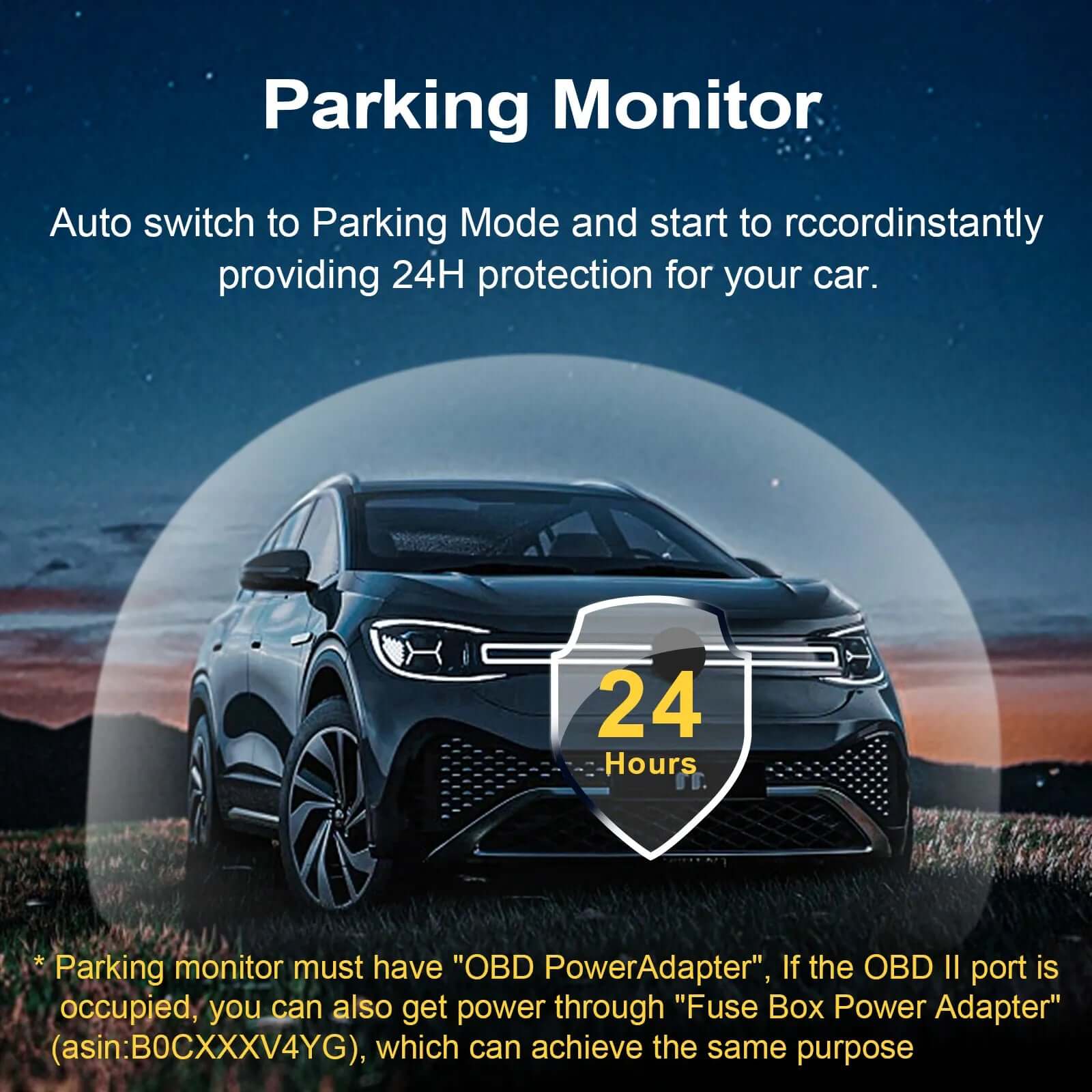
Your car must have an Auto-Dimming Rearview Mirror Plug Power Adapter(10Pin square plug), otherwise, power can only be obtained through OBD or Fuse box. Parking monitor must have OBD Power Adapter or Fuse Box Power Adapter Click Here
Custom fit for Chevy Colorado 2023 -2025
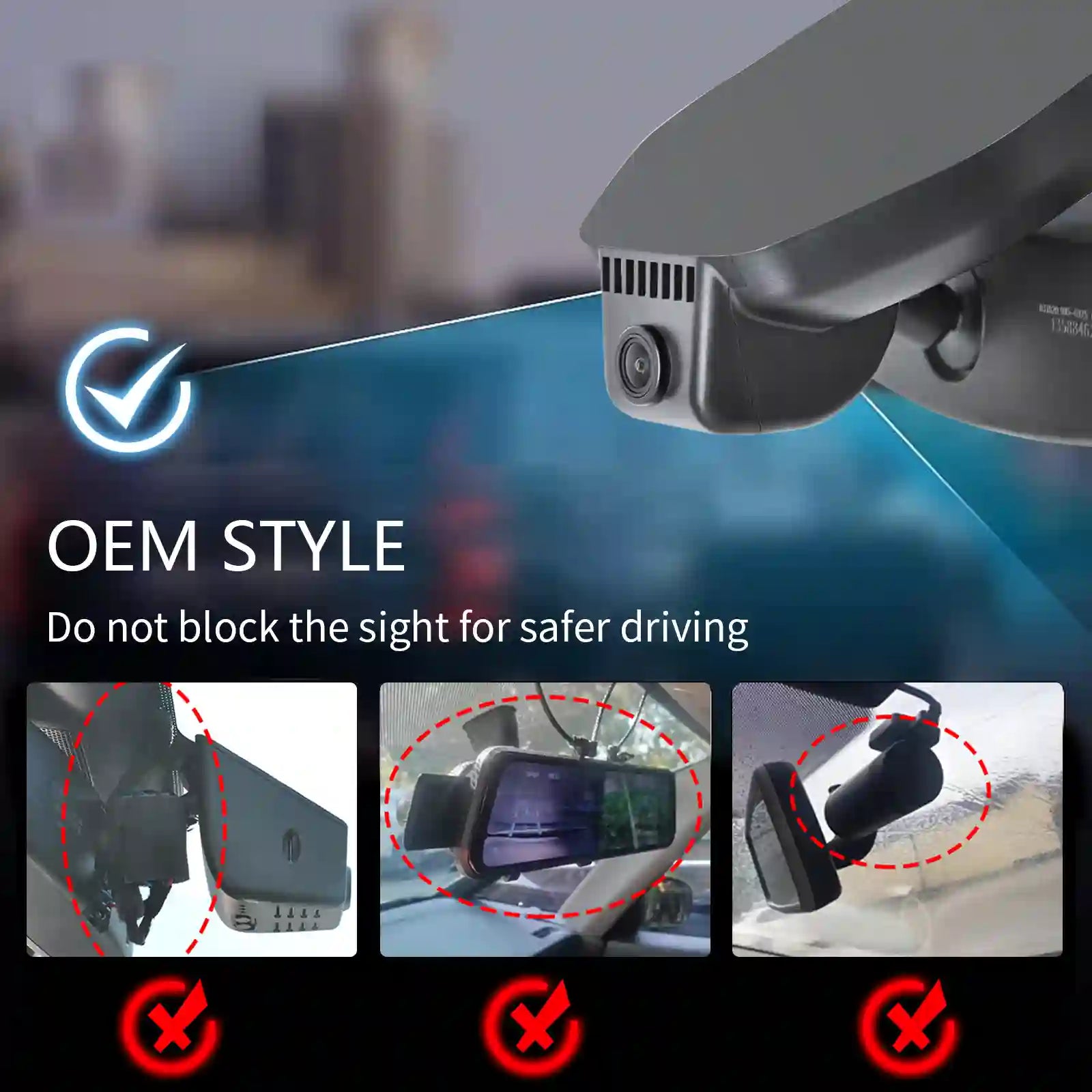
Mangoal 4k dash cam can fit perfectly behind the rear view mirror like original. No messy wiring exposed, no complicated rewire at all. Perfectly intergrated with Chevy Colorado 2023 2024 2025 2026 Select Base WD LT Z71 ZR2 Work Truck Trail Boss(Model B)
Front 4K and Rear 1080P
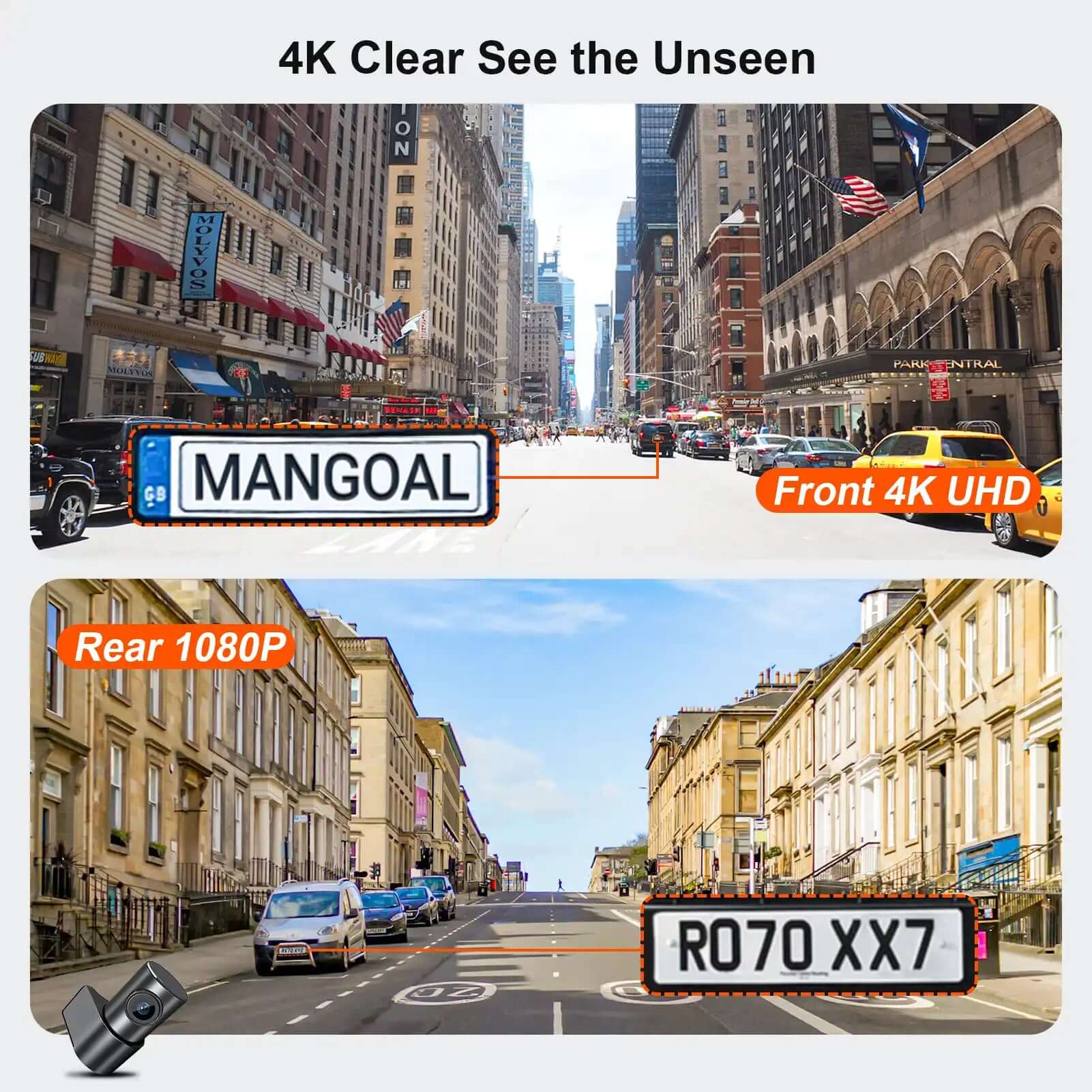
Our dual dash cam which records video of up to Ultra HD 4K(3840x2160)+FHD 1080P resolutions. It helps you to read the key details like road signs, vehicle number plates etc. To reduce the blind areas it has the front wide angle of 170 degree and rear wide angle of 140 degree. This helps you during unexpected circumstances like collision to retain and present evidence
Built-in WiFi, free App
The built-in WiFi owns higher-definition and faster download speed, and the free user-friendly App makes it convenient to view realtime videos on your phone, download or transfer important footage to PC. You can also share videos on social media with friends or families whenever you want.
Loop Recording & G-Sensor
Seamless loop recording will overwrite the oldest footage with new content when memory card is full. G-Sensor detects a sudden collision and immediately save & lock current video to specified folder, prevents relevant footage from overwriting.
What you get
Mangoal OEM Look 4K Dashcam x1, 128G MircoSD Card x1, User Manual x1, OBD Power Adapter x1, Auto-Dimming Rearview Mirror Plug Power Adapter x1, Crowbar x1, Strap x2, worry-free 12-month warranty, and friendly customer service.
FAQ
1.Mangoal dash cams are only compatible with specific vehicle model, the wrong model can't fit.It doesn't support to add a rear camera separately if you've already had the single front camera! Because the PCB boards are different.
2.The camera's WiFi is not remote. Please download important clips to your phone while in the car and engine is on if needed.
3.Why is the preview screen of the camera not clear when viewed through the APP?
The image quality of the APP preview interface is specially compressed for smooth APP experience. Click on the APP "Camera File" to view the original AHD quality video.
4.Featured with sound recording function, which can be turned on/off at mangoal APP setting.
5.Mangoal OEM style dash cam does not have physical buttons for traditional camera settings. How to set camera related functions?
The setting function Mangoal of traditional cameras is available. We implement it through SkyCamm APP setting. We have prepared detailed operating instructions and the operation is simple.
6.Packed with 128GB MicroSD card and support maximum128GB.
Is there only one dash camera model for a vehicle style?
picture and text have detailed description.
When I am at home, can my mobile phone connect to the dash cam's WIFI?
First of all, The camera's WiFi is not remote,Cannot connect remotely.Secondly, If you need to connect to the recorder WIFI at a close distance, provided that the engine is on and the recorder is turned on normally.
If I place an order for the front camera host package now, can I purchase the rear camera separately later?
No, these are two completely different sets of cameras.
Can a mobile phone be connected to CarPlay and camera wifi at the same time?
The phone cannot be connected to CarPlay and dash cam WiFi at the same time, but the camera records automatically when car starts, so you don't need to keep it connected to camera all the time.
Why is the preview screen of the camera not clear when viewed through the APP?
The image quality of the APP preview interface is specially compressed for smooth APP experience. Click on the APP "Camera File" to view the original AHD quality video.
Mangoal OEM style dash cam does not have physical buttons for traditional camera settings. How to set camera related functions?
The setting function Mangoal of traditional cameras is available. We implement it through SkyCamm APP setting. We have prepared detailed operating instructions and the operation is simple.